How Customers Register
Welcome! This guide walks you through signing up for a CRM account on this platform. It takes about 2 minutes from start to finish.
Step 1: Visit the Platform
Go to the platform's website (your SaaS provider will give you the URL). You'll see a landing page with available plans and pricing.
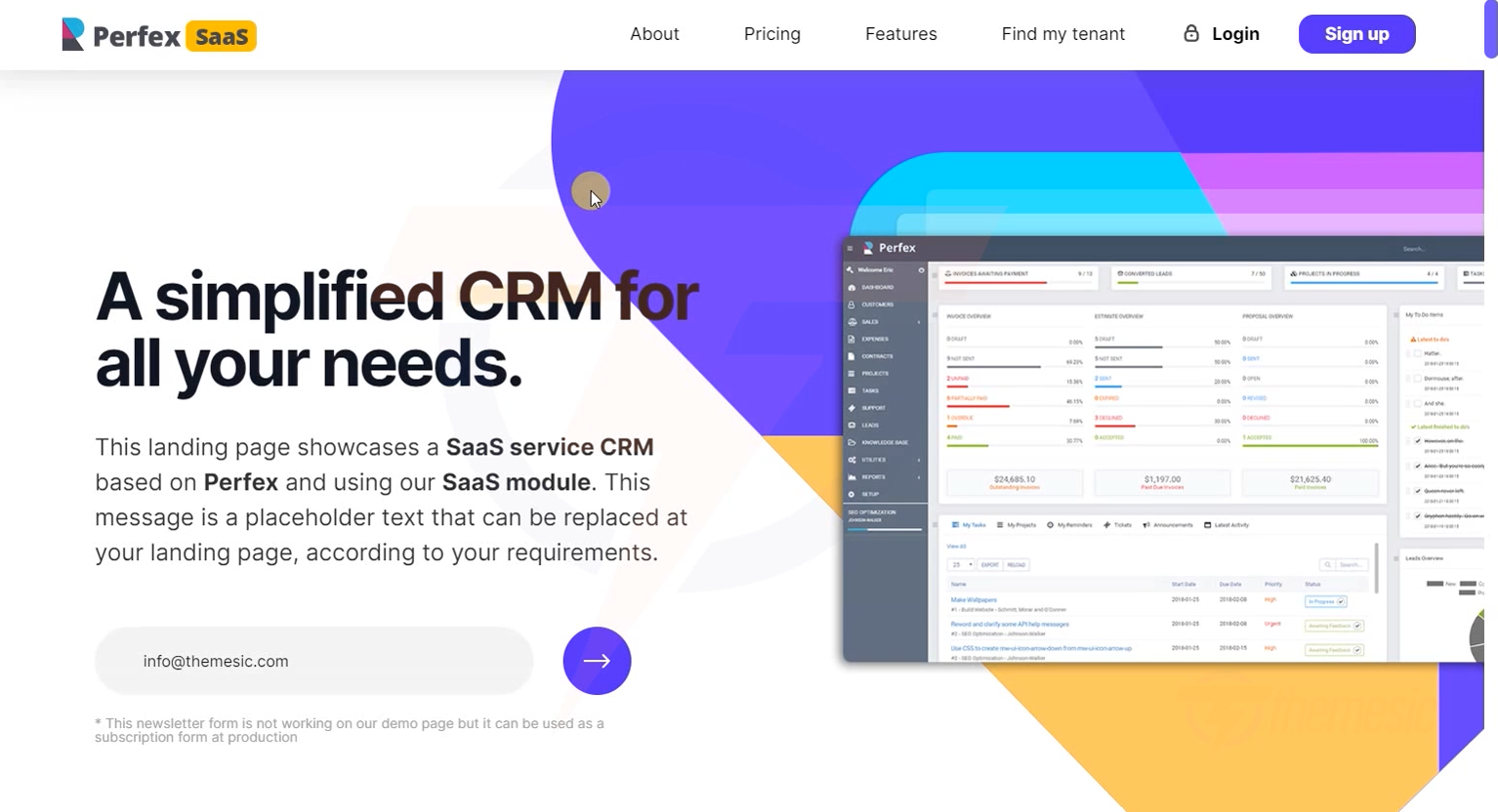 The platform landing page - browse features and plans before signing up
Step 2: Choose a Plan
Browse the available plans and click "Get Started" on the one that fits your needs:
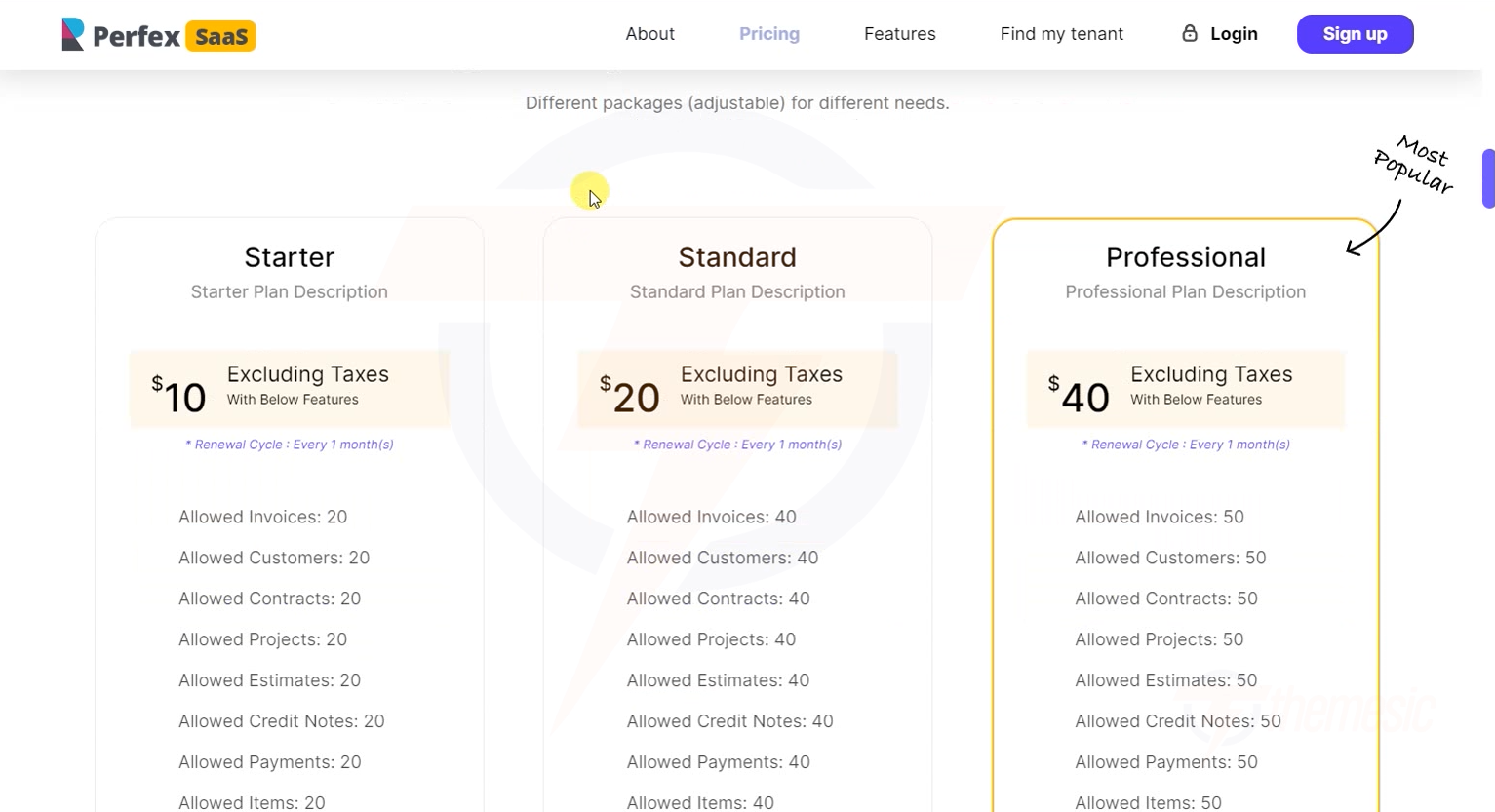 Choose the plan that best fits your business needs
Not sure which plan to pick? Start with the lowest plan - you can always upgrade later! If a free trial is available, take advantage of it.
Step 3: Fill In Your Details
Complete the registration form with your information:
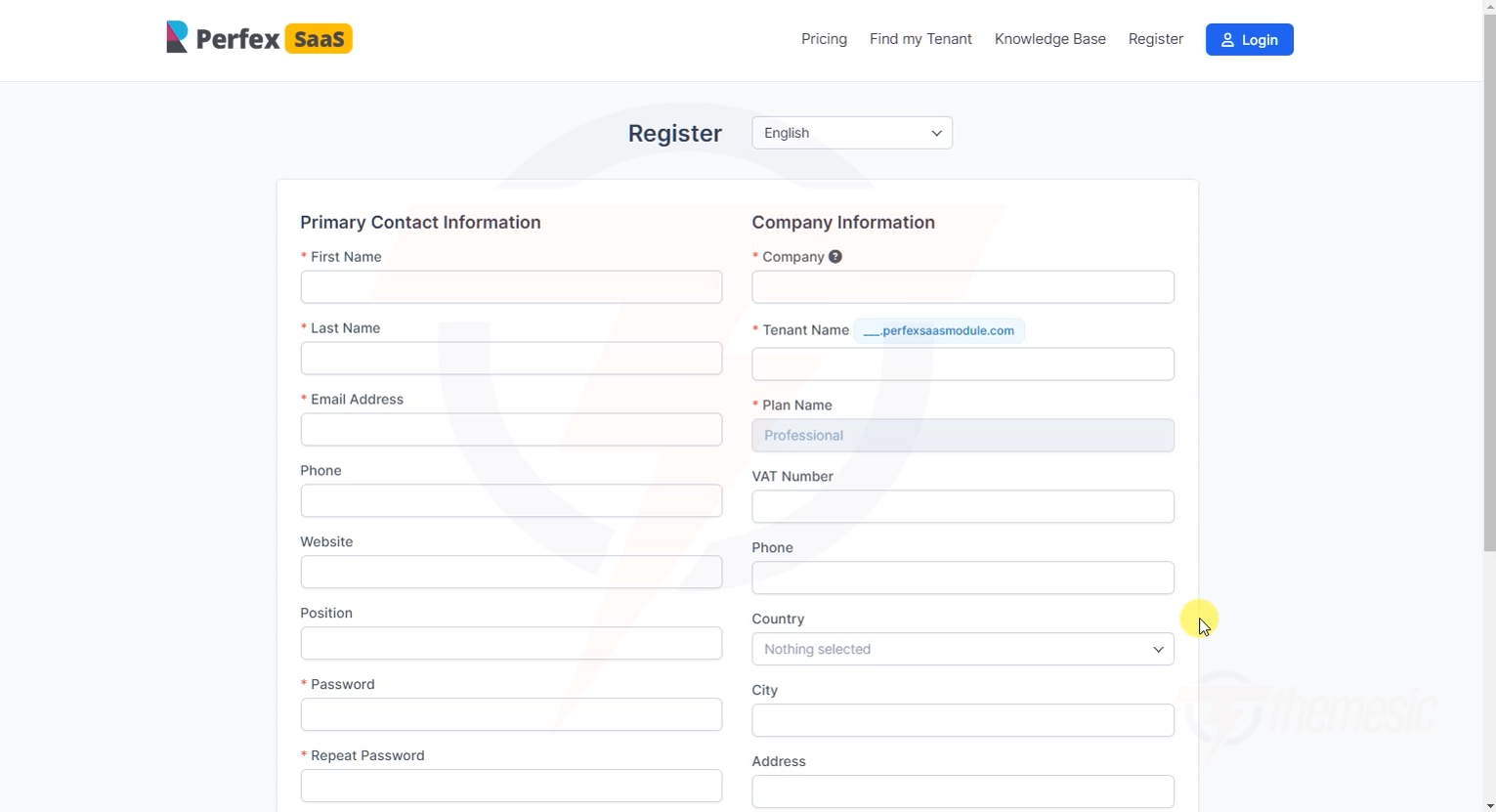 Fill in your name, email, password, and company details
What you'll need:
- Your name and email address
- A password for your account
- Your company name
- A subdomain or URL slug for your CRM (this will be your unique address)
Choosing your subdomain: Pick something short and memorable - like your company name. For example, if your company is "Acme Corp", choose "acme" to get acme.platform.com.
Step 4: Verify Your Email
After submitting the form, you'll see a verification page:
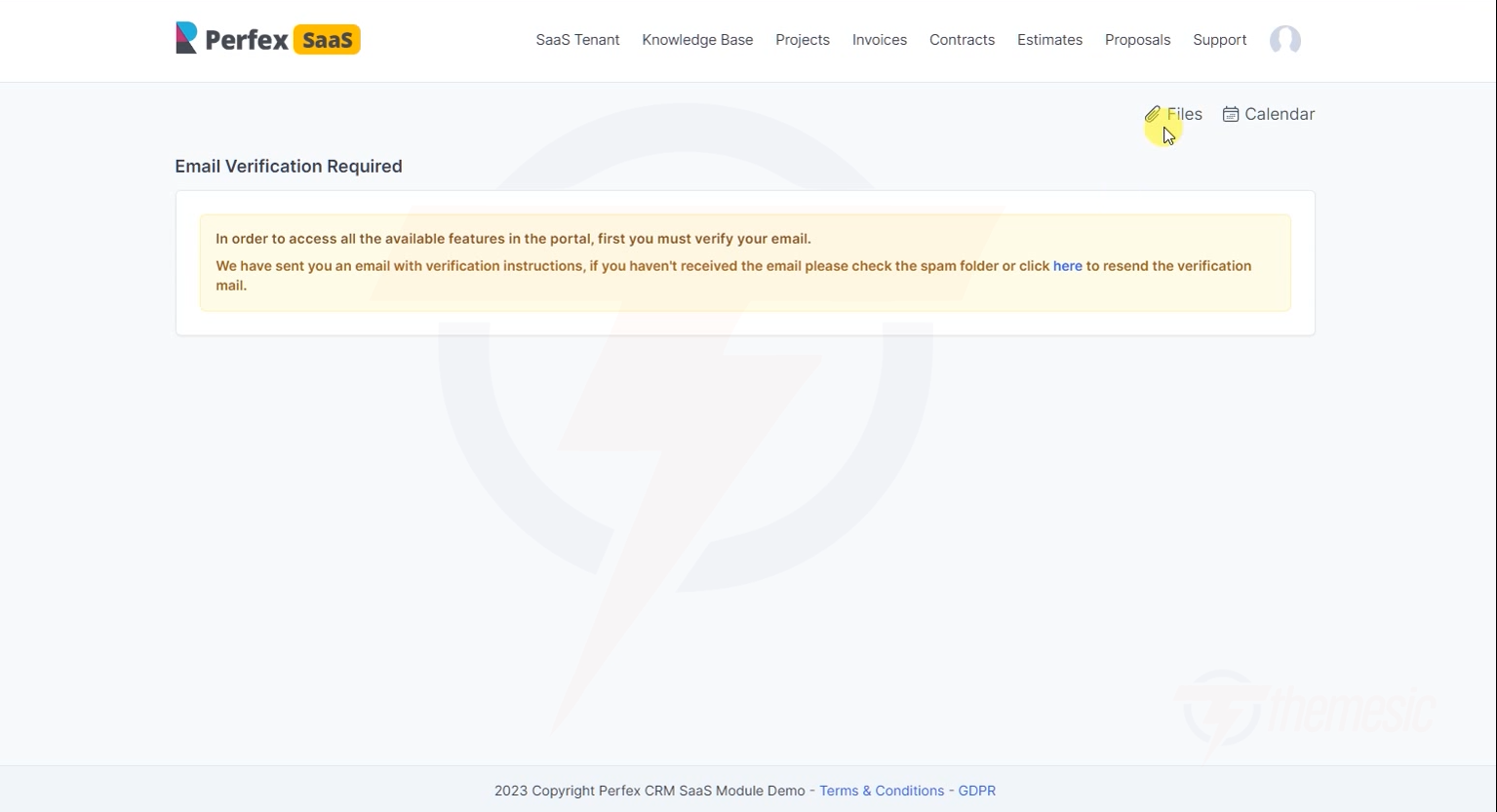 Check your email for a verification link
- Open your email inbox
- Look for the verification email (check spam/junk if you don't see it)
- Click the verification link in the email
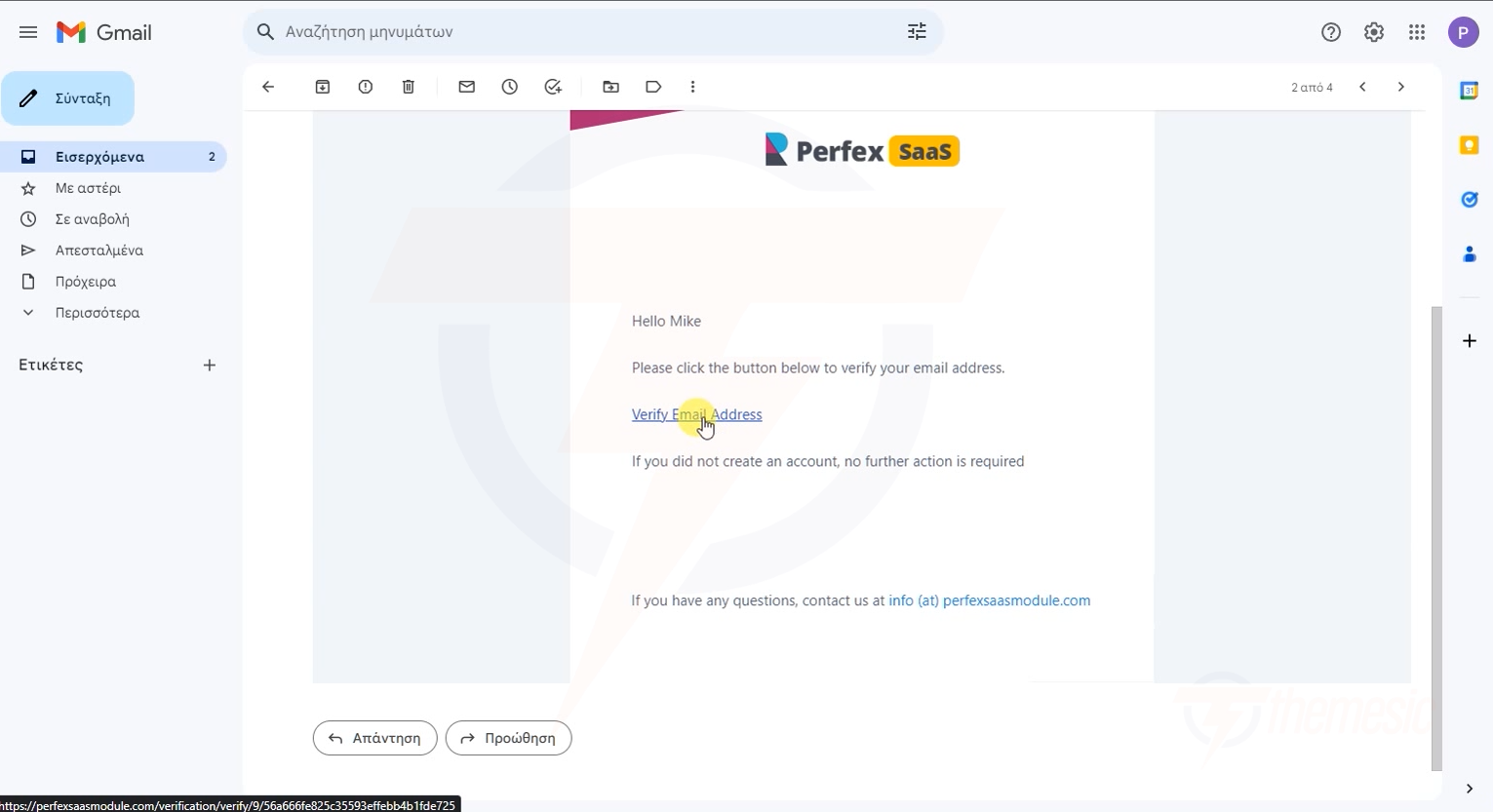 Click the verification link in the email - that's it!
Step 5: Log In to Your CRM
Once verified, you can log in to your CRM! Use the URL provided in your welcome email:
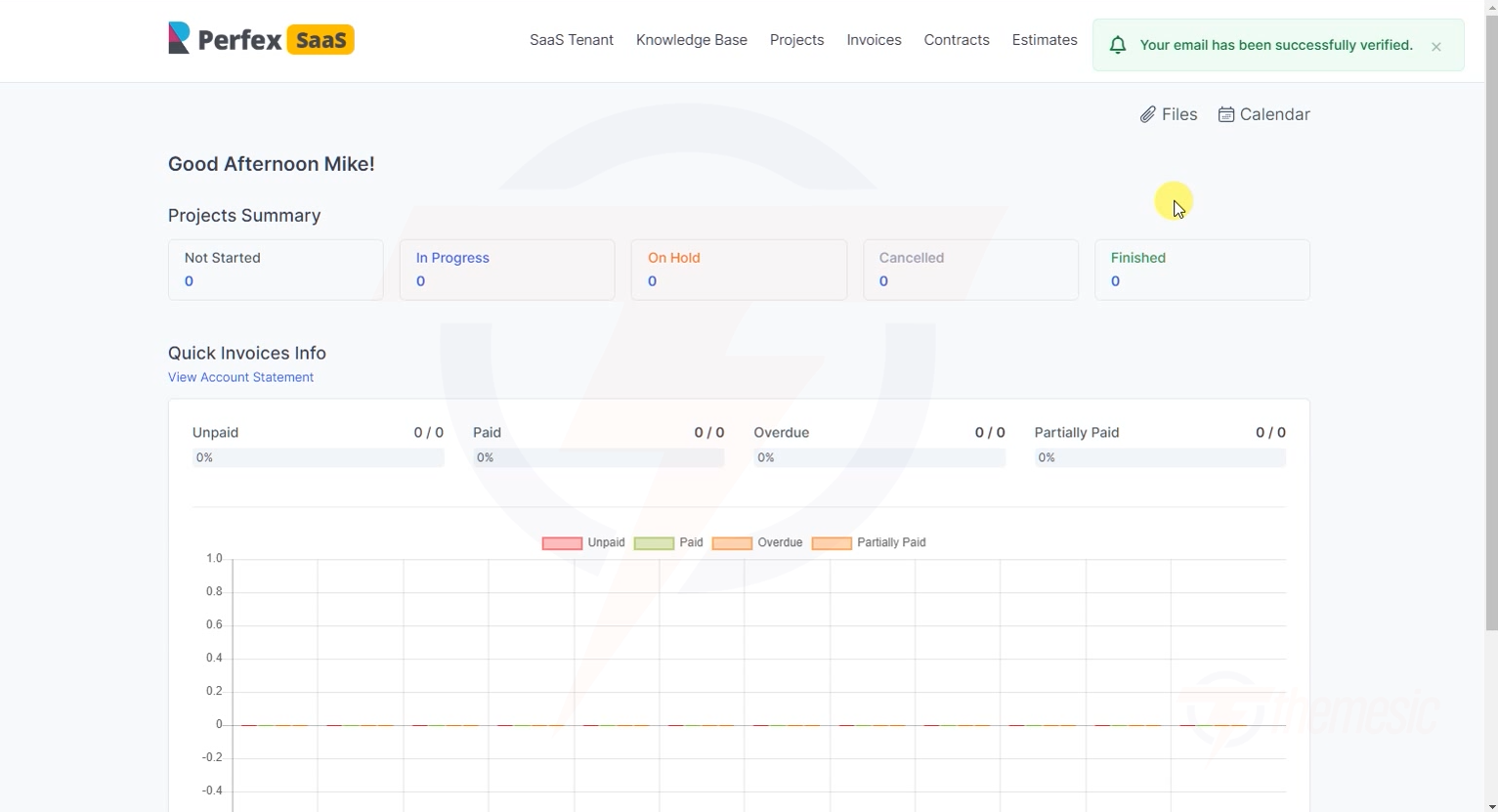 Welcome to your CRM! Your personal workspace is ready to use
Your CRM URL will be something like:
your-company.platform.com(subdomain)platform.com/ws/your-company(subdirectory)
Bookmark your CRM URL! Save it in your browser favorites so you can find it easily. If you ever forget it, use the "Find My Tenant" feature on the platform's main page.
Can't Find Your Login URL?
If you forget your CRM URL, use the Find My Tenant feature:
- Go to the platform's main website
- Click "Find My Tenant"
- Enter your email address
- Your CRM URL will be displayed or emailed to you
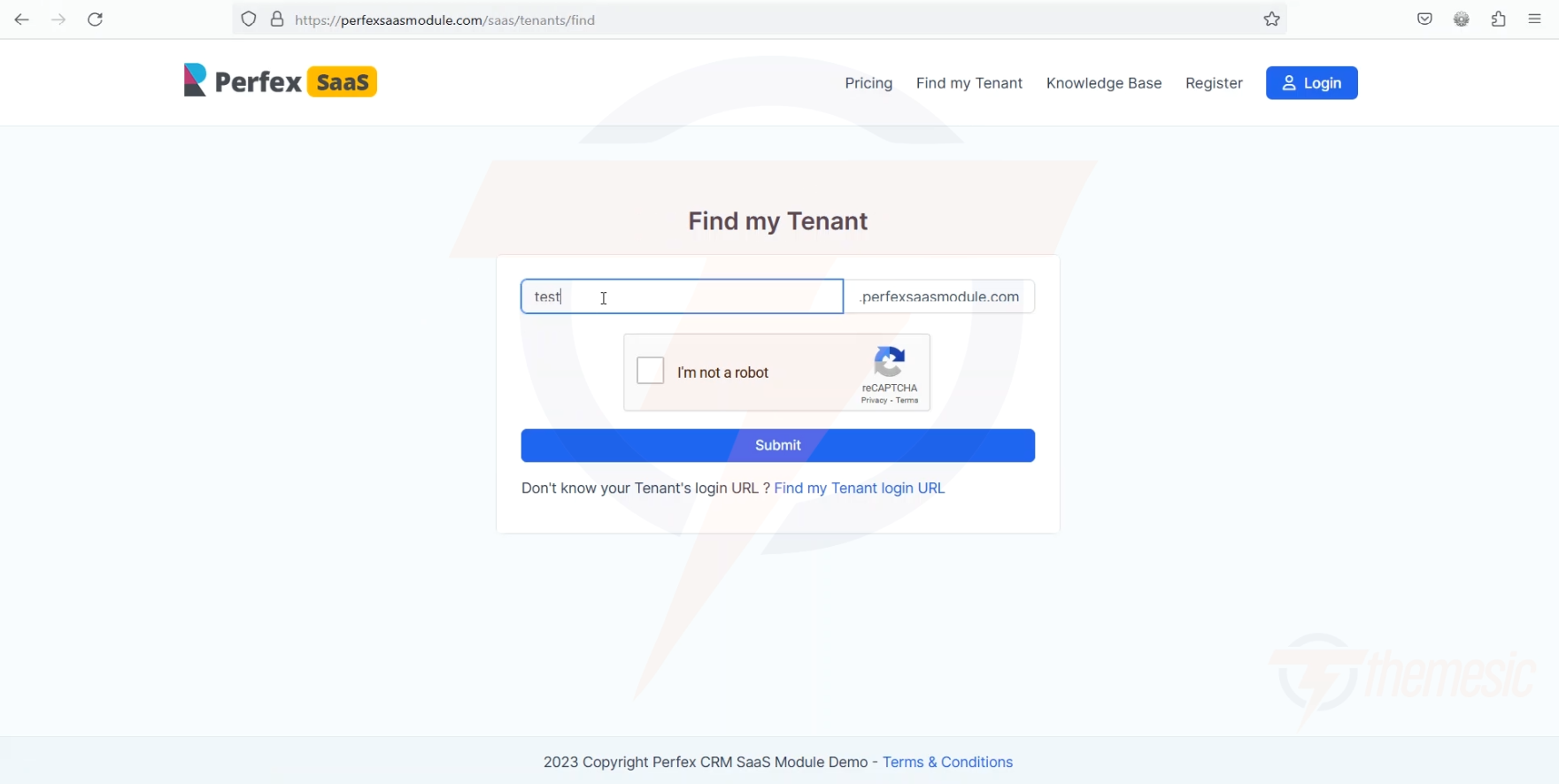 Lost your URL? Find My Tenant will help you recover it instantly
Need Help?
If you're having trouble:
- Check if your email verification link has expired (request a new one)
- Make sure you're using the correct email address
- Contact the platform administrator for assistance