SaaS Settings Overview
Now that you've installed the module and configured your server, it's time to set up the actual SaaS platform. This is the fun part - you'll configure how your platform works, what plans you offer, how much you charge, and what your customers see.
Where to Find Settings
All SaaS configuration is under SaaS Management in your left sidebar:
 The SaaS Management menu gives you access to all settings - Plans, SuperAdmin Settings, Activity Log, Landing Page Editor, and Landing Page Builder
Settings Areas
Here's an overview of everything you can configure:
| Setting | What It Controls | Guide |
|---|---|---|
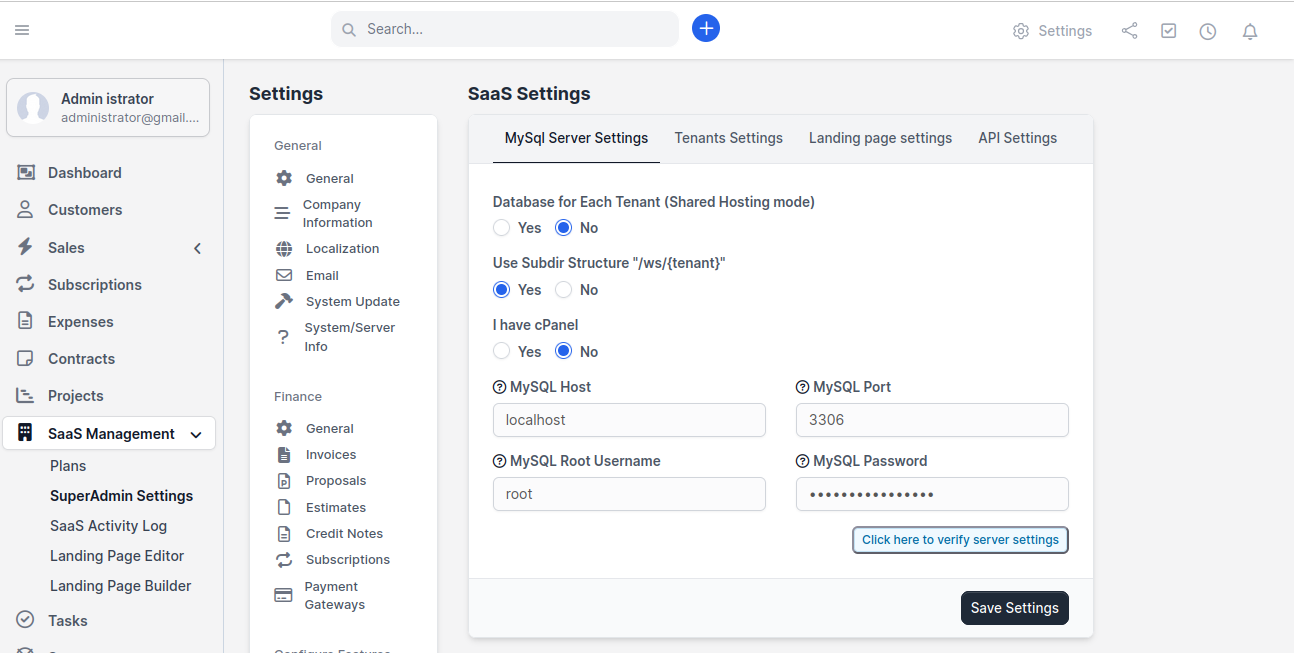
| MySQL Server Settings | Database connection, tenant isolation mode, URL structure | MySQL Server Settings |
| Tenant Settings | Registration rules, trial periods, email verification | Tenant Settings |
| Plans & Pricing | Subscription plans, pricing, billing cycles | Plans & Pricing |
| Usage Limits | Resource quotas per plan (customers, invoices, etc.) | Usage Limits & Quotas |
| Module Access | Which Perfex modules each plan can access | Module Access Control |
| Landing Page | Your public-facing signup page | Landing Page Setup |
| Landing Page Builder | Visual drag-and-drop page builder | Landing Page Builder |
| Custom Domains | Allow tenants to use their own domain | Custom Domains |
| API Settings | REST API configuration | API Settings |
Recommended Setup Order
We recommend configuring things in this order:
- MySQL Server Settings - Already done during installation
- Tenant Settings - Set the rules for registration and tenants
- Plans & Pricing - Create your subscription plans
- Landing Page - Set up your customer-facing page
- Everything else - Module access, custom domains, API, etc.
Pro Tip: You can change any setting at any time. Don't worry about getting everything perfect on the first try - you can always come back and adjust.
Let's start with the settings that are already partially configured from installation.